

Understanding Objects in JavaScript
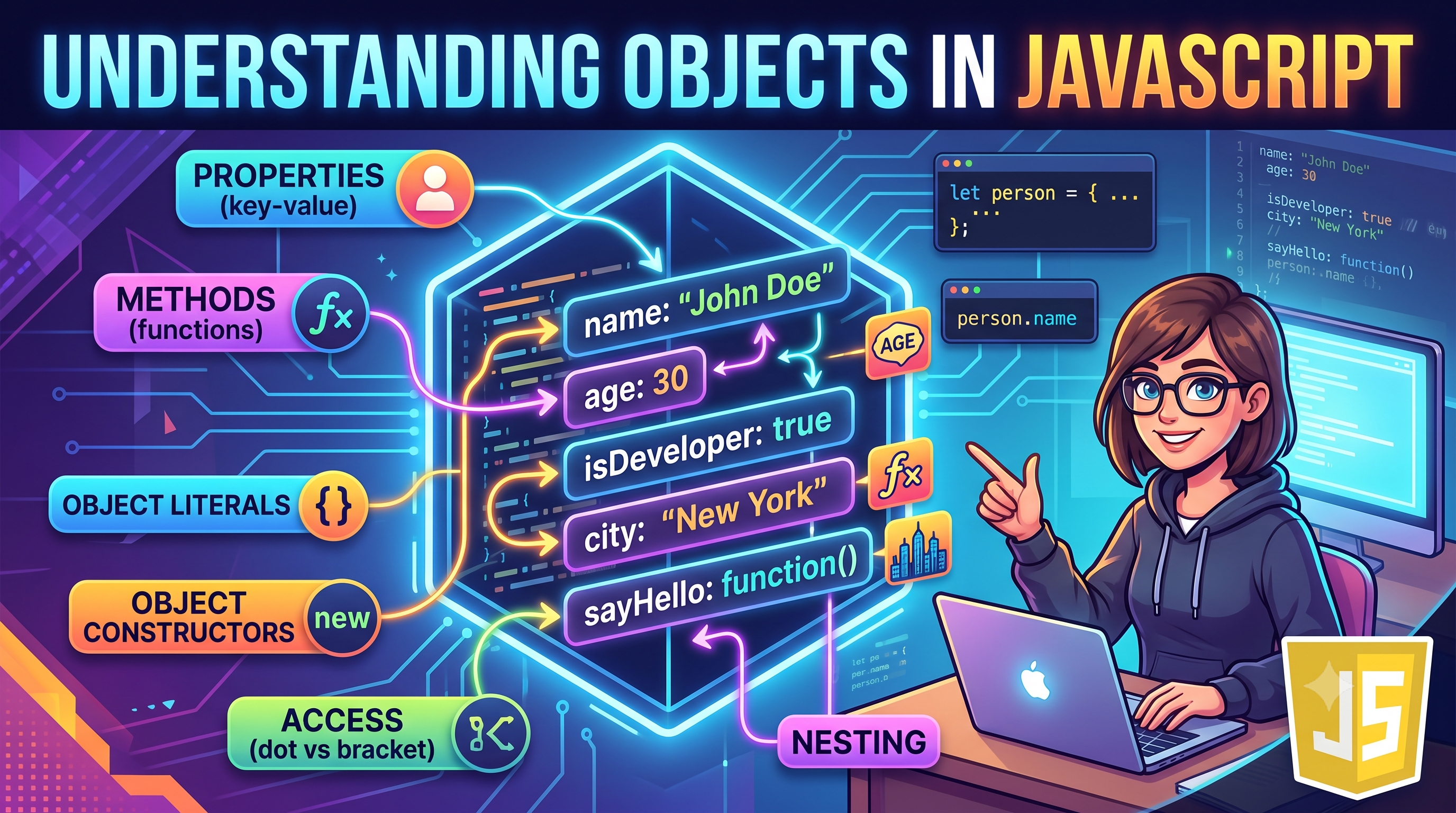
So far, we have looked at simple primitive data types like string, number, and boolean. These types store a single value at a time:
let name = "Rivu";
let age = 21;
let city = "Kolkata";
The Problem: What if you need to represent a complex entity—like a user, a product, or a student—that has multiple related attributes? Keeping track of separate individual variables gets messy fast.
The Solution: An object. Objects allow you to group related data and functionality into a single structured container using key-value pairs.
1. What is an Object? (Key-Value Pair Structure)
Think of an object as a physical profile card or ID badge:
Key (or Property Name): The label (e.g.,
name,age,city).Value: The actual data associated with that label (e.g.,
"Rivu",21,"Kolkata").
+------------------------------------------+
|  Object: person                          |
|                                          |
|   Key          Value                     |
|  +----------+  +---------------------+   |
|  | name     |  | "Rivu"            |   |
|  | age      |  | 21                  |   |
|  | city     |  | "Kolkata"           |   |
|  +----------+  +---------------------+   |
+------------------------------------------+
2. Array vs. Object: What's the Difference?
Both arrays and objects store collections of data, but they organize and access that data differently:
Array (Ordered List - Indexed by Position)
[ 0: "Rivu", 1: 21, 2: "Kolkata" ]

Object (Key-Value Pairs - Accessed by Name)
{ name: "Rivu", age: 21, city: "Kolkata" }
Feature | Array | Object |
Data Structure | Ordered list of items | Unordered collection of key-value pairs |
How elements are identified | Numeric index ( | Custom key names ( |
Best used for | Sequential data (lists of items) | Named entities with properties |
3. Creating Objects
The most common way to create an object in JavaScript is using object literal syntax ({}).
const person = {
  name: "Rivu",
  age: 21,
  city: "Kolkata",
  isStudent: true
};
4. Accessing Properties: Dot vs. Bracket Notation.
You can access property values in two ways:
- Dot Notation (object.property): This is the standard, most readable approach.
console.log(person.name); // "Rivu"
console.log(person.city); // "Kolkata"
2. Bracket Notation (object["property"])
Bracket notation passes the key as a string. It is essential when:
The key is stored inside a variable.
The key contains spaces or special characters (e.g.,
"first name").
// Access using string key
console.log(person["age"]); // 21

// Access using a dynamic variable key
const keyToFind = "city";
console.log(person[keyToFind]); // "Kolkata"
5. Updating, Adding, and Deleting Properties
Objects in JavaScript are mutable—even when declared with const, you can modify their contents.
const person = {
  name: "Rivu",
  age: 21
};

// 1. Updating an existing property
person.age = 22;

// 2. Adding a brand new property
person.country = "India";

// 3. Deleting a property using the `delete` keyword
delete person.country;

console.log(person);
// Output: { name: 'Rivu', age: 22 }
6. Looping Through Object Keys
To iterate over all properties of an object, use a for...in loop or built-in static methods like Object.keys() and Object.entries().
Method 1: The for...in Loop
const student = {
  name: "Rahul",
  age: 25,
  course: "Computer Science"
};

for (let key in student) {
  // Use bracket notation student[key] to dynamically read values!
  console.log(`${key}: ${student[key]}`);
}
Output:
name: Rahul
age: 25
course: Computer Science
Method 2: Object.keys() and Object.values()
console.log(Object.keys(student));   // ["name", "age", "course"]
console.log(Object.values(student)); // ["Rahul", 25, "Computer Science"]
Here is a complete program demonstrating creation, mutation, and iteration over a student object:
// Task 1: Create an object representing a student
const student = {
  name: "Srinivas",
  age: 20,
  course: "Information Technology"
};

// Task 2: Update one property
student.age = 21;

// Task 3: Add a new property
student.grade = "A";

// Task 4: Print all keys and values using a loop
console.log("--- Student Profile ---");

for (let key in student) {
  console.log(`${key.toUpperCase()}: ${student[key]}`);
}
Console Output
--- Student Profile ---
NAME: Srinivas
AGE: 21
COURSE: Information Technology
GRADE: A


